01
Send a link
Text or email it to your customer while you stay on the call.
Messagesnow
Josh invited you to share your screen.
Open invitation →
Send a link. They approve sharing. See their screen live while you stay on the call.Send a link. They approve sharing. See their screen live while you stay on the call.
Free for your customers. No account needed.$29.99/month. Customers join free.
 Certified by AgentVerifiedView product certification


Customer-approved screen sharing.
Built around your customer’s control.

Text or email it to your customer while you stay on the call.
They open the link on their phone or computer and approve sharing. No account needed.
Watch on your phone or computer. Walk them through the next step.
Same call. Two very different endings.
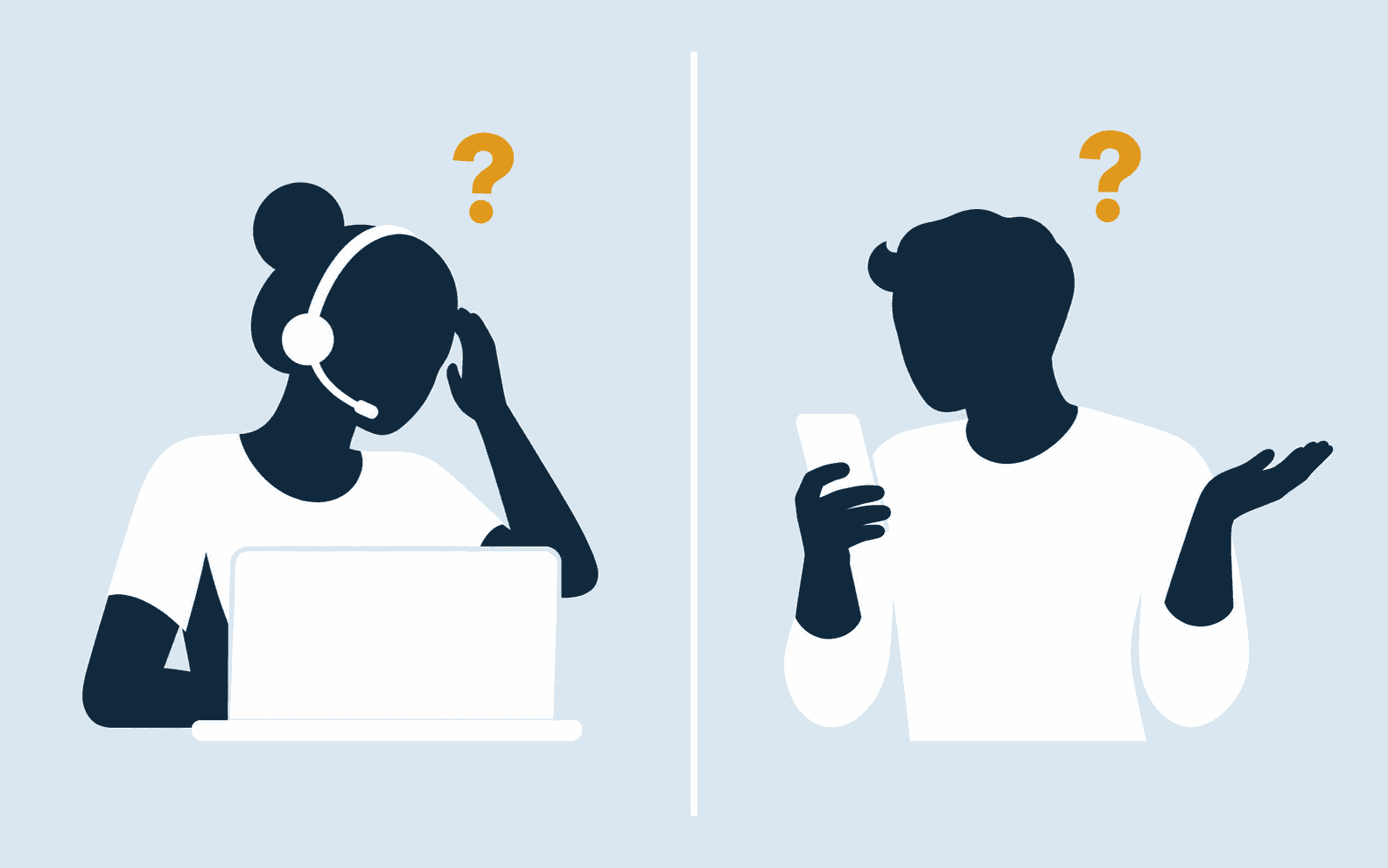
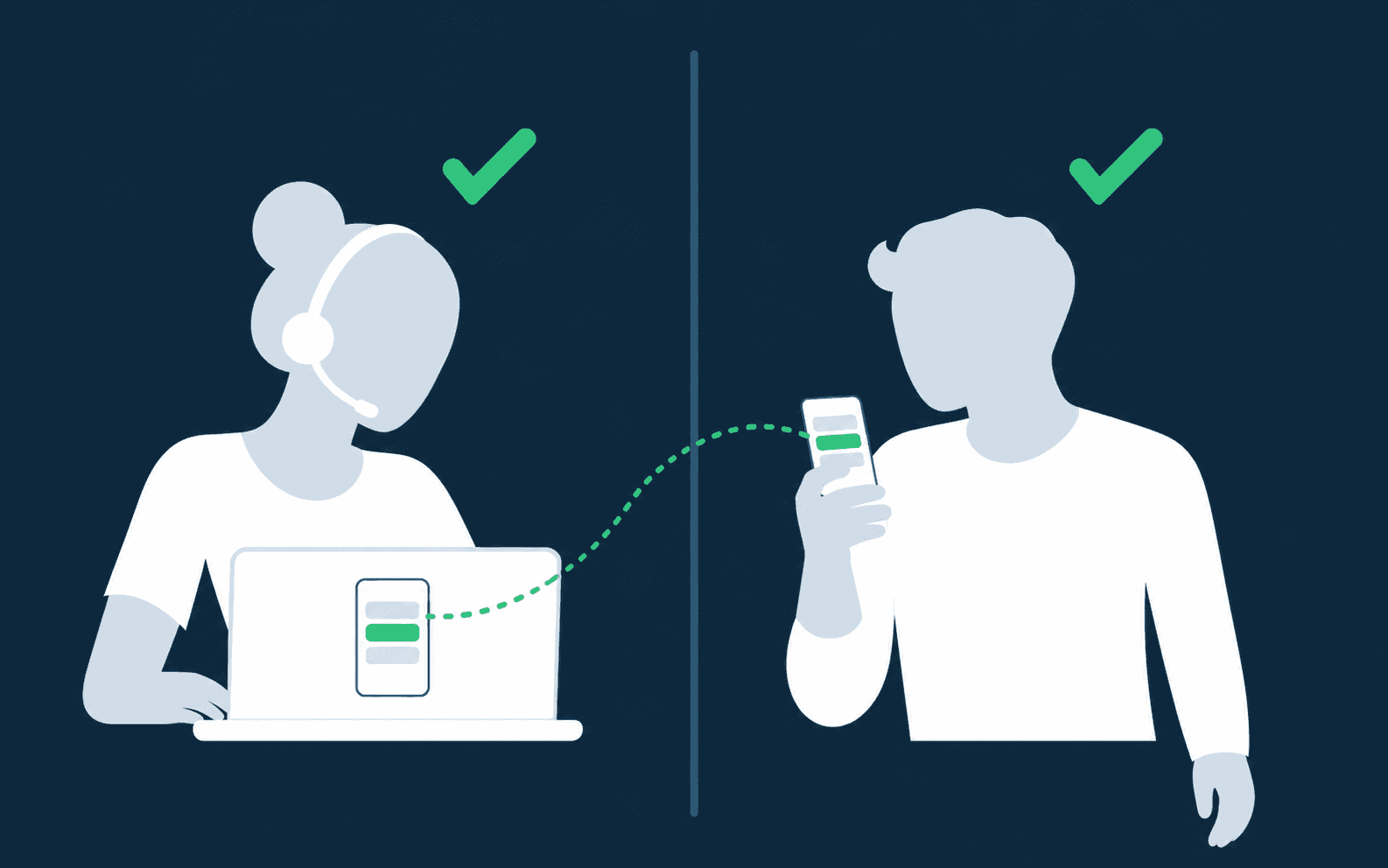
They can pause or stop sharing anytime.
Billed monthly. Customers never pay or sign up.
Have an account? Sign in
More in Support
Yes. Your customer can share from a phone or computer, and you can watch on a phone or computer. Phone to computer, computer to phone, two phones, or two computers.
No. They open your link, confirm it's you, and share. Only you need an account.
No. Sessions are live only, so there are no recordings to store or manage. You keep talking on your normal phone call.
Yes. Connections are encrypted, every invitation is one-time and expires, and only you can view the session you started. Customers can pause for private steps whenever they need to.
Customers sharing an iPhone or Android screen need the free GuidedView app. Customers on a supported computer use their browser. You can watch in your browser on a phone or computer.
Billed monthly. Cancel any time from your portal.